Why your design feedback rounds keep running long (and how to fix it)
Vague feedback, scattered channels and unclear approvals turn two rounds into six. Here's how to keep reviews tight.
The Wuilder team 5 min read
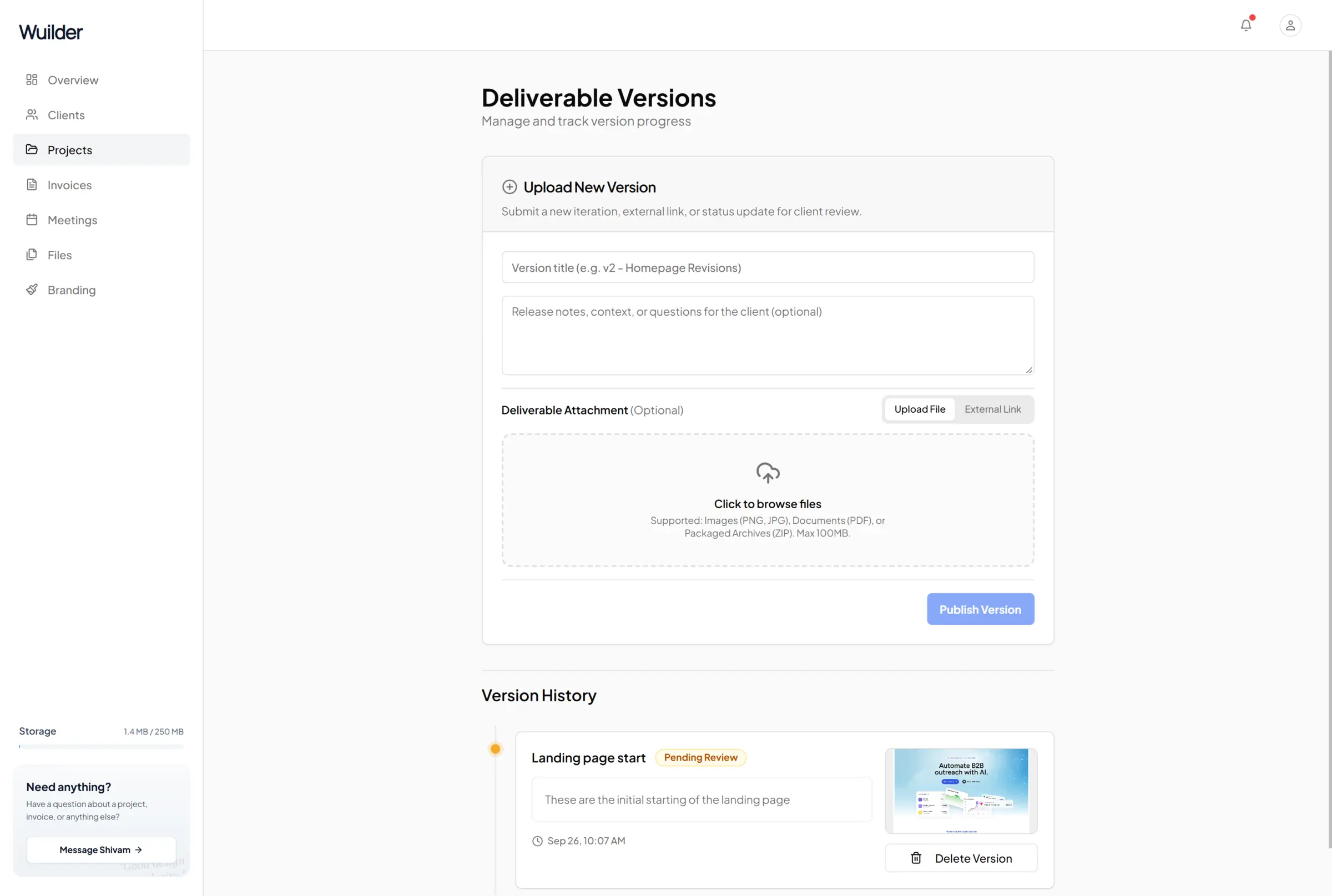
Two rounds of revisions in the contract. Six rounds in reality. It's rarely because the client is difficult — it's usually the process.
1. Feedback without a location
"Make it pop" and "the thing on the left feels off" force you to guess. Every guess is another round.
Fix: ask clients to leave comments on the design — a pin on the exact spot, with a number you can refer back to.
2. Feedback in five places
Email, WhatsApp, a call, a comment in Figma, a voice note. You end up merging feedback by hand and something always slips.
Fix: one place per version. Every comment attached to the version it's about.
3. No clear "approved"
Without an explicit approval, a version is never really done — and old decisions get reopened.
Fix: give each version two buttons: Approve or Request changes. Requesting changes requires a comment. Approving locks that version as final.
4. Losing track of versions
"Can we go back to the one from last week?" Which one?
Fix: never overwrite. Version 1, 2, 3 — each with a short note on what changed.
A review process that works
- Upload a version with a one-line note.
- The client reviews, pins comments, then approves or requests changes.
- Repeat until approved — and keep the history.
That's exactly how reviews work in Wuilder: versions, pinned comments and one-click approval on the client's overview.
Keep reading
The client onboarding checklist for brand designers
Agreement, deposit, brief, files — the order that makes every project start smoothly.
Read GuideHow to set up milestone billing as a freelance designer
Split your fee into milestones that unlock each stage of the project — so you never start, or deliver, unpaid.
Read GuideWhat to include in a final design handover
A clean handover makes you look like a studio — and gets the last invoice paid. Here's what to include.
Read