Meetings and files,
where the project is.
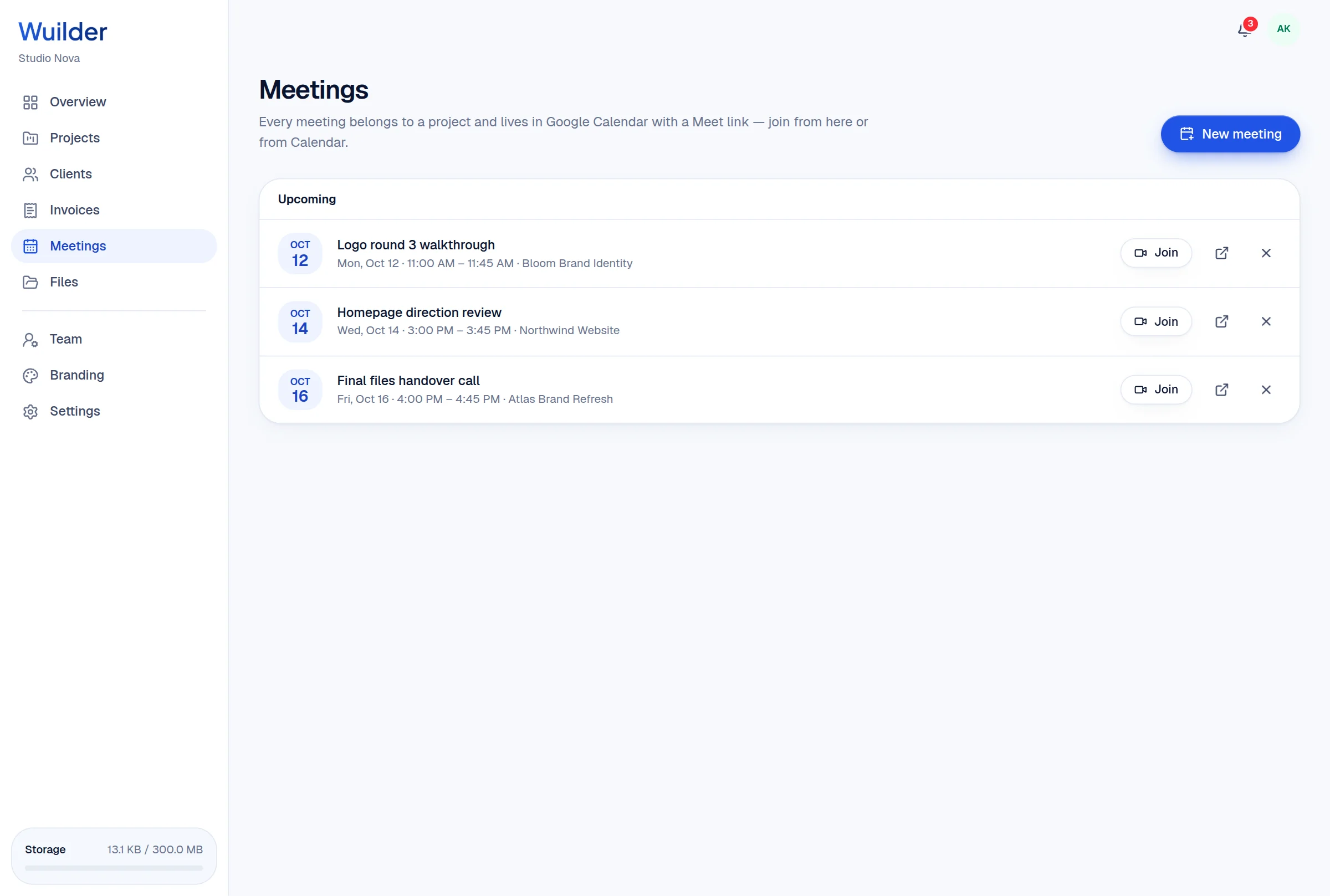
Schedule Google Meet calls from a project and they land in your calendar. Every upload, version and final file is stored per project — in Wuilder or your own Google Drive.
A 20-second walkthrough, recorded in the real product.
The old way, without Wuilder.
- Meeting links lost in chat
- Files in five places
- Clients asking which file is the latest
Three steps. No setup.
Connect Google Calendar
Meetings get a Google Meet link and Google's invitation email.
Clients join from the portal
A Join button appears when it's time.
Files per project
Choose what the client sees; questionnaire uploads land here automatically.
Google Drive option
New files go to “Wuilder Files/<Project>” in your Drive.
Visibility toggle
Share or hide each file from the client.
Storage meter
Always know how much space you've used.
Questions, answered.
Common questions about meetings & files in Wuilder.
Still curious? Talk to a human — we reply within a day.
Works even better together.
Your next client should feel the difference.
Set up your first project in minutes. Send a branded portal link instead of a Drive folder — and watch how differently the conversation about price goes.