Your team sees
only what you allow.
Invite illustrators, developers or assistants. Turn pages on per person — Projects, Files, Meetings, Invoices — and pick the projects they work on.
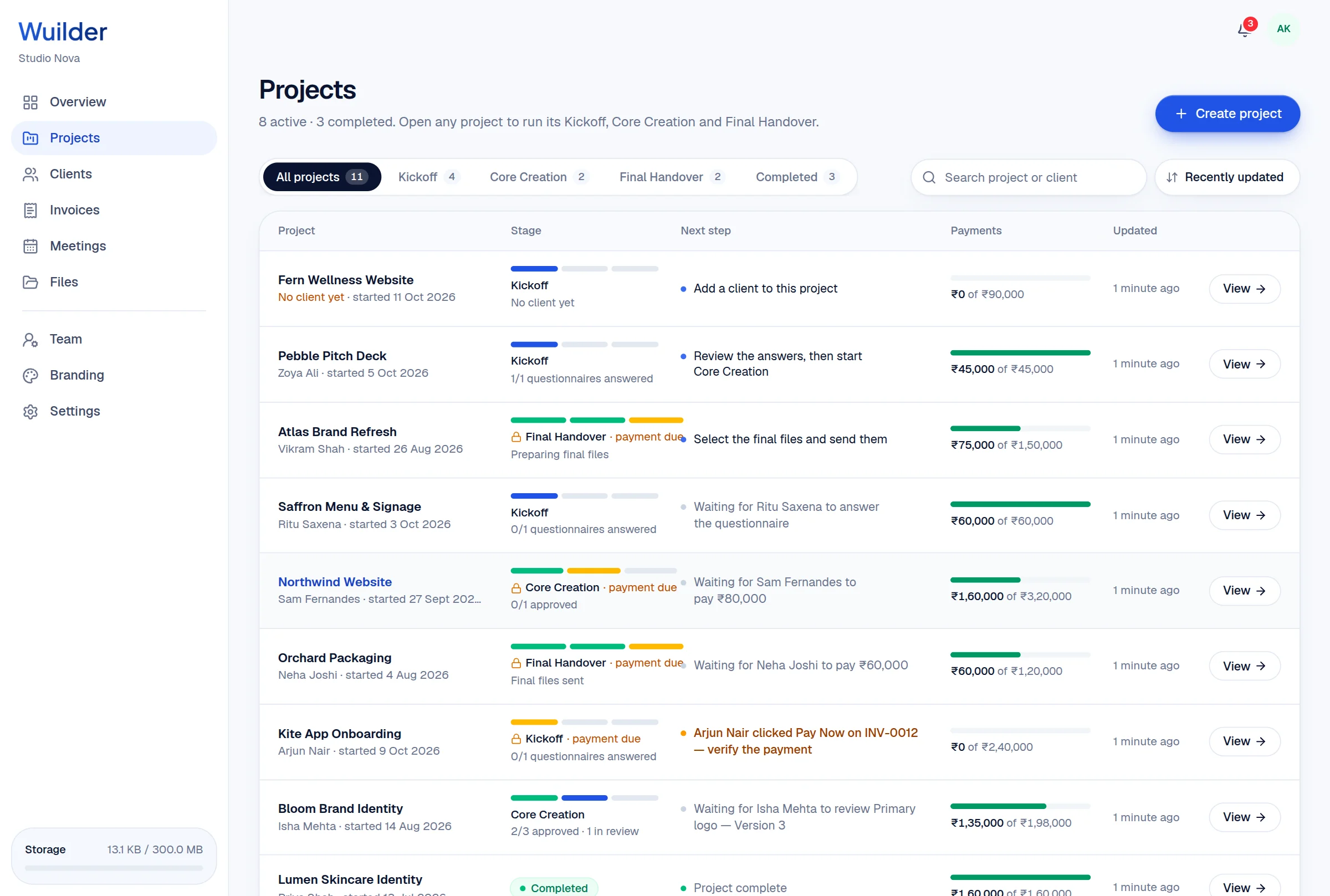
A 20-second walkthrough, recorded in the real product.
The old way, without Wuilder.
- Sharing your whole Drive with a freelancer
- Contractors seeing what clients pay you
- Removing access when a project ends
Three steps. No setup.
Invite by email
They create an account from the invitation.
Choose pages and projects
Pages switch on per person; projects are assigned one by one.
Enforced everywhere
Menus, links and the database all respect it — a typed URL won't get around it.
7 page switches
Overview, Projects, Clients, Files, Meetings, Invoices, Branding.
Per-project access
Only the projects they're on.
Instant changes
Access updates the moment you save.
Questions, answered.
Common questions about team permissions in Wuilder.
Still curious? Talk to a human — we reply within a day.
Works even better together.
Your next client should feel the difference.
Set up your first project in minutes. Send a branded portal link instead of a Drive folder — and watch how differently the conversation about price goes.